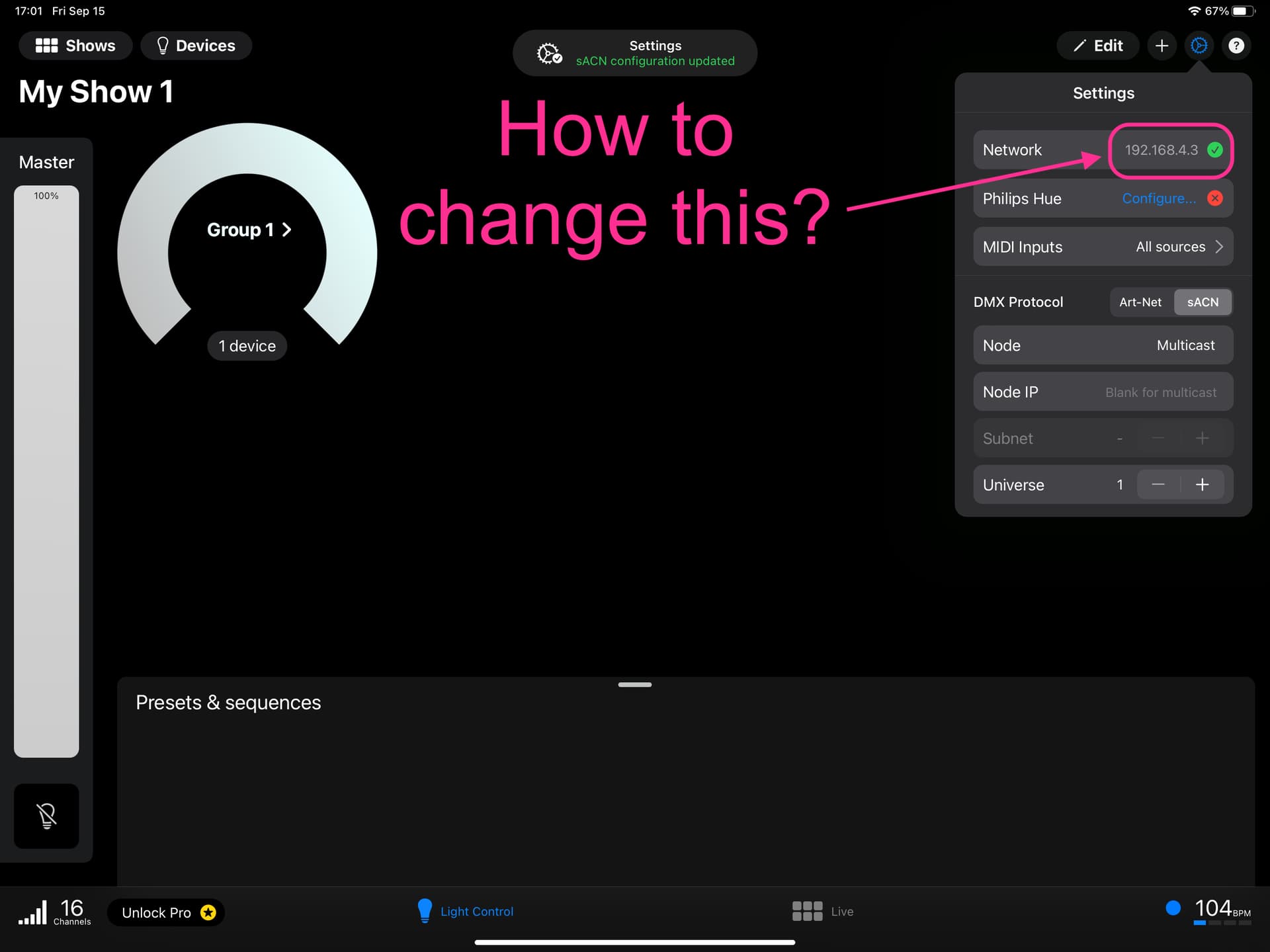
How to change Network address?

Hello,

I tried to connect Photon to the WIFI EASY NODE PLUS.
I could connect to the wifi network on my iPad settings,
but I needed to change the IP network on the Photon app but I couldn’t
find a way to do it.

I could do it on the Luminar app and use the EASY NODE PLUS to control my light.

Do somebody knows how to do it?

Best,

Hi and welcome !
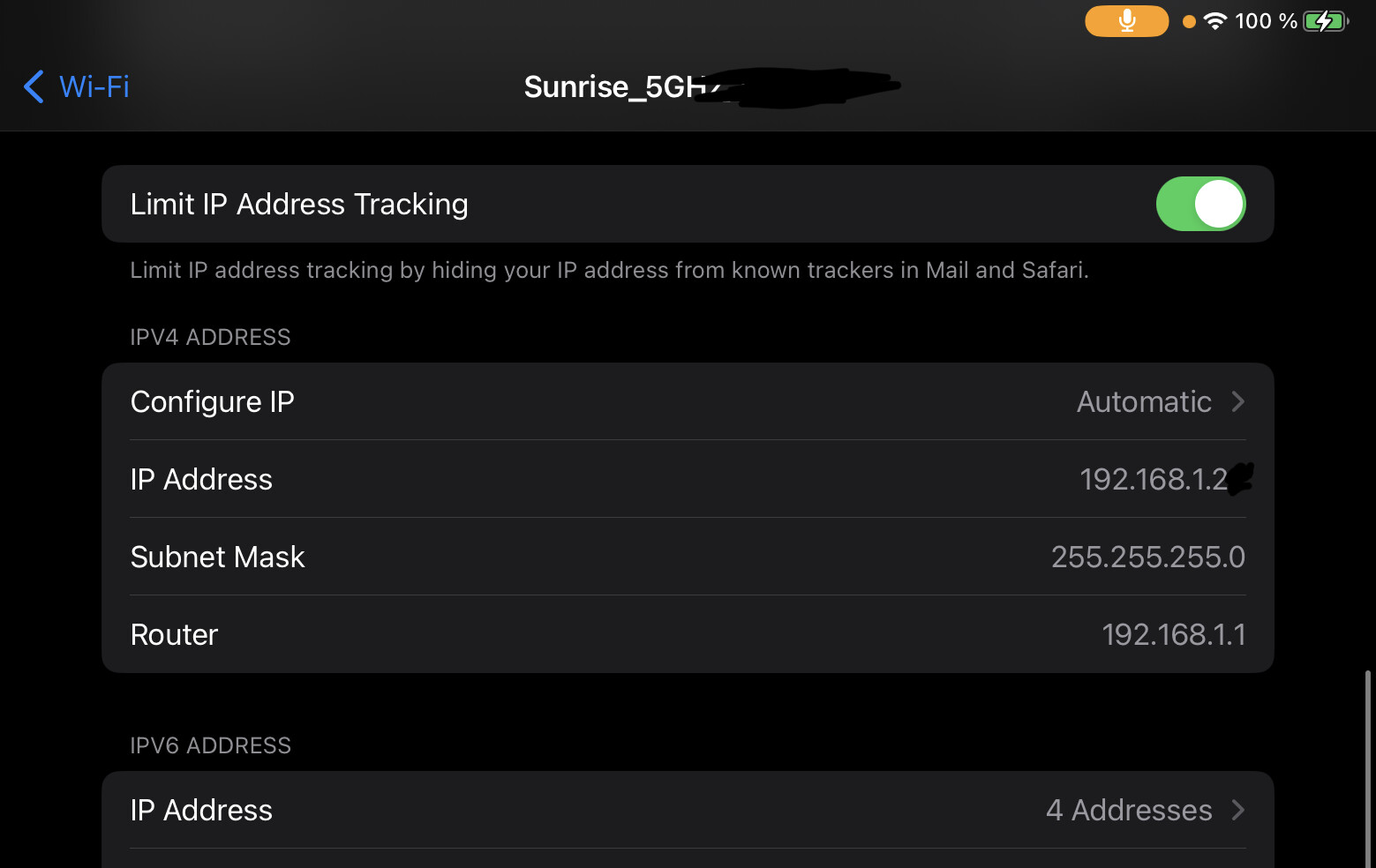
You have to use your iPad’s WIFI settings to change your IP, this is not possible from Photon.

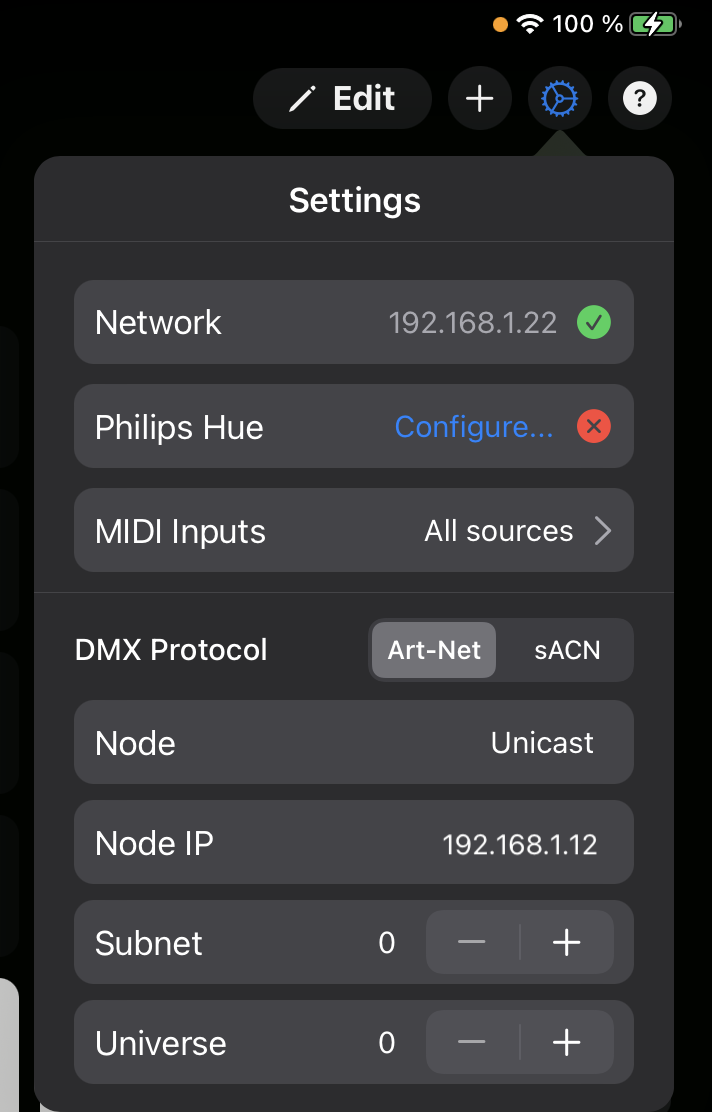
Or maybe, if you want to change the node IP you can to it on Photon by switching from Multicast to Unicast mode.

1 Like

Thank you for your answer.
I’ll try it out.

1 Like

How do you change Node modes from Unicast to Multicast and vice versa? Nothing happens when I click Node, Unicast, click and hold. It’s just stuck on unicast
Hello

you have to write the IP of the node. It will automatically change from multicast to unicast

1 Like