The video explains it.
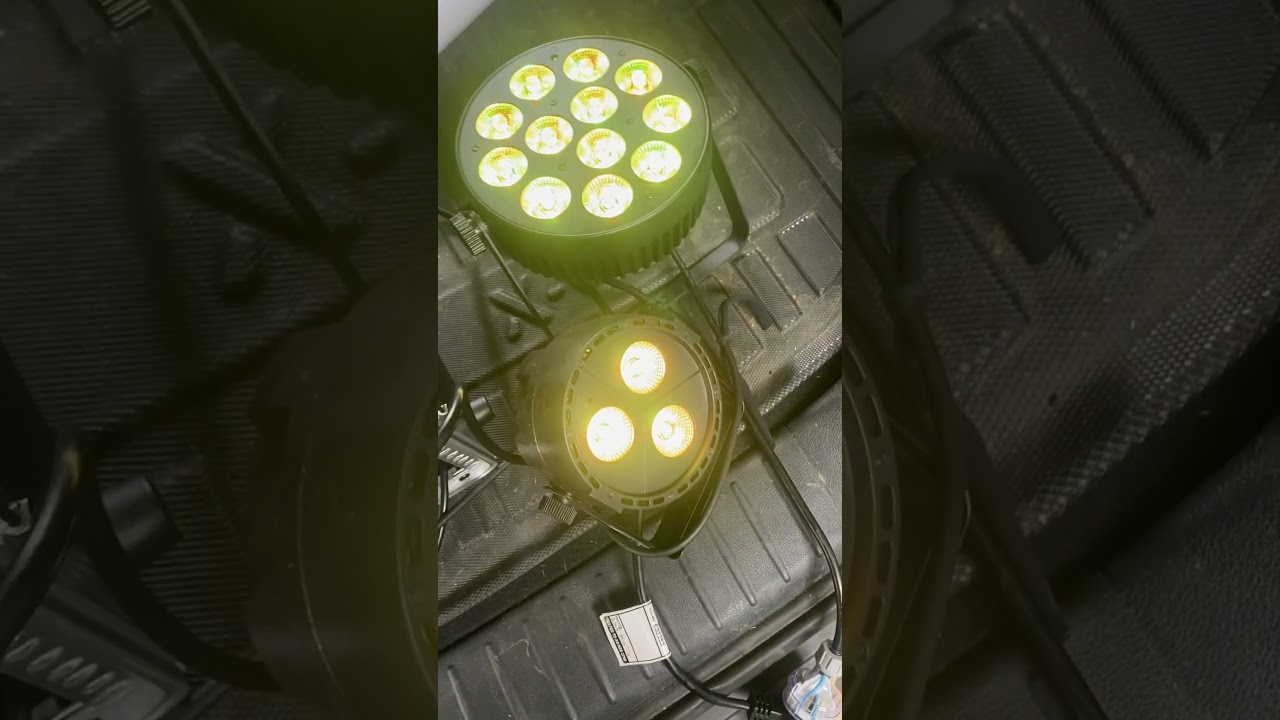
The video explains it.
Hi Andy, thank you for the video it can’t be clearer to understand.
It’s not normal, maybe you can check your DMX monitor view in photon (touch left bottom corner of the app) to check if the signal then is correct. If there is no discontinuity in the DMX signal on your big fixture channel that could explain flashes.
It could also be the way you configure. photon. In the settings is it Multicast mode or Unicast (with the explicit artnet mode IP set). Unicast is better.
Sometimes it can also be due to a DMX issue. Sometimes you have to put a DMX plug at the output of the last fixture.
I hope it could help you
Thanks for your response.
I am running on Unicast with a Chauvet node.
I have a terminator plug on the last fixture.
The strobing Issue doesn’t happen on every light. I replaced some cheap Chinese lights, thinking that was the issue. The lights I now have a far more expensive.
I do not have the issues using my DMX desk between scenes, which rules out any cabling issues. Everything on DMX monitor is working as you might expect.
The issue is much worse as soon as you enter, live mode. But as we know, If you don’t switch to live mode it often crashes.
So I really have no idea. I’ve spent hours troubleshooting this issue. I also see that other users have experienced the same issue. So I expect it may be a bug somewhere. And probably difficult to troubleshoot.
I really like Photon. It’s a great tool.
The other thing worth noting. If I set up a sequence with multiple colours and transition times, the fades between colours are perfect.
This also suggests an issue between scenes in live dashboard.
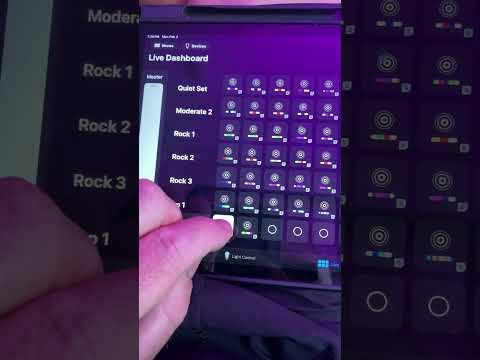
I HAVE FIXED THIS WITH A WORKAROUND
If the strobe function is an earlier DMX channel than the Master Fader, then this strobing issue is created in live mode.
eg. Strobe speed on DMX channel 3, Master fader on 4.
If the Strobe speed is a later DMX channel, the issue does not occur. This explains why it only happens on some lights.
The workaround is to set the Strobe as a Custom channel. Whilst you can’t use the strobe on the first page, you can at least use it.
So, I suspect in Live Mode that the fade in is adjusting the strobe speed at the same time as the master fader.
I have confirmed this with 5 types of fixtures.
Hi Andy,
This workaround sounds very interesting. Can you explain the process in more detail please, if you don’t mind?
TIA